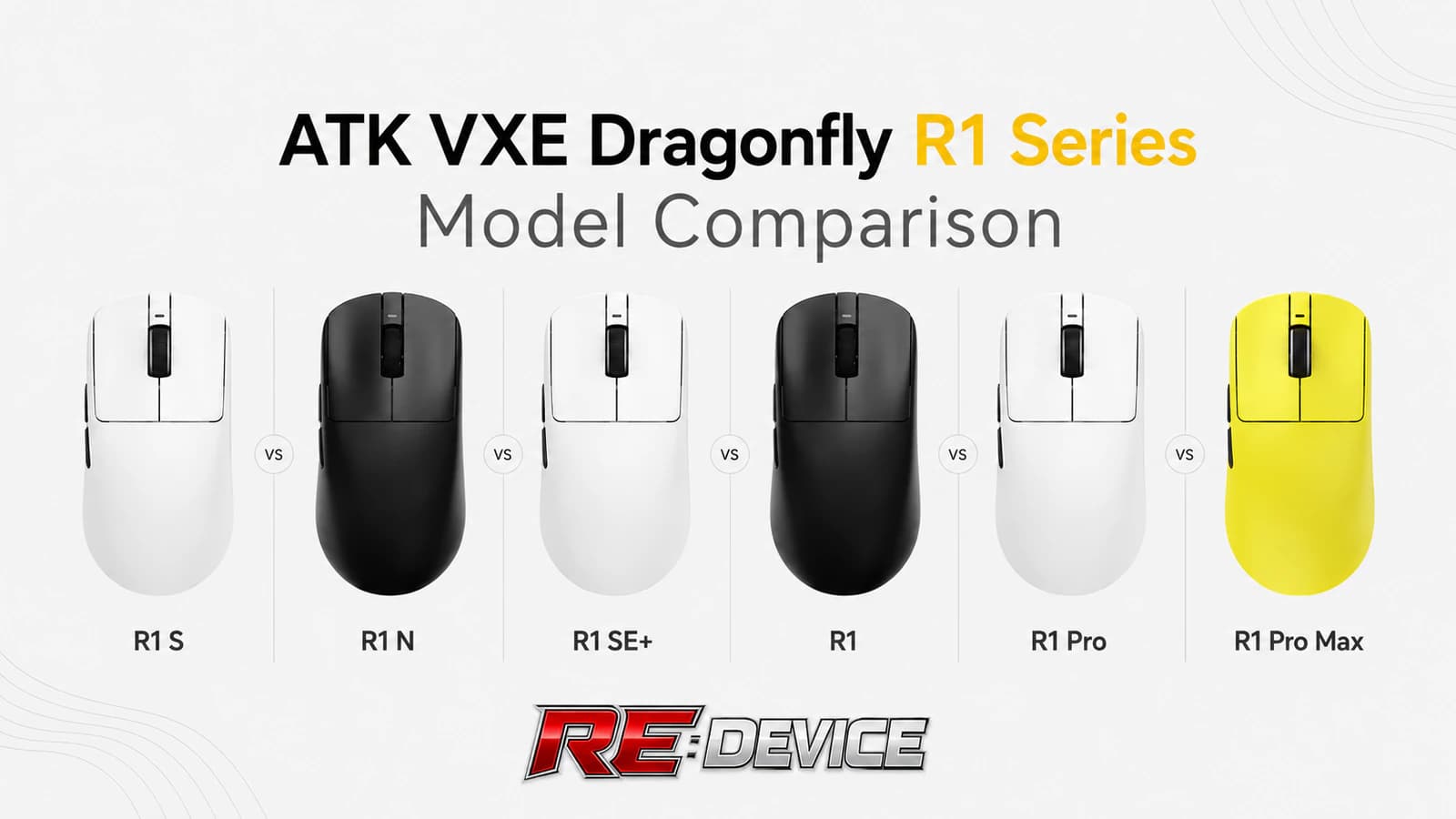
On 6 September 2024, ATK officially introduced the VXE Dragonfly R1 wireless mouse line. It now includes six current configurations built around the same shape but aimed at different priorities: long battery life with Bluetooth, minimum weight, or a high polling rate up to 4000 Hz (the higher it is, the faster mouse movement shows up on screen — noticeable in fast-paced games). The naming is easy to get lost in, so we have put all six versions into one table, with a short guide below on which one fits which use case.
ATK VXE Dragonfly R1 specification comparison
All six versions in one table, from sensor and polling rate to weight, battery life and connectivity.
Scroll the table sideways
| Specification | R1 S | R1 N | R1 SE+ | R1 | R1 Pro | R1 Pro Max |
|---|---|---|---|---|---|---|
| Sensor | Xhero AI | PAW3395 SE | PAW3395 SE | PAW3395 | PAW3395 | PAW3395 |
| Maximum polling rate | 1000 Hz | 1000 Hz | 1000 Hz | 1000 Hz | 125–4000 Hz | 125–4000 Hz |
| Weight | 55 ± 3 g | 53 ± 3 g | 55 g | 51 g | 48 g | 54 g |
| Battery life | over 150 hours at 1000 Hz | over 150 hours at 1000 Hz | up to 70 hours at 1000 Hz | up to 40 hours at 1000 Hz | up to 75 hours at 1000 Hz | up to 150 hours at 1000 Hz |
| Battery capacity | 520 mAh | 500 mAh | 520 mAh | 250 mAh | 250 mAh | 500 mAh |
| Connectivity | USB-C, 2,4 GHz, Bluetooth | USB-C, 2,4 GHz, Bluetooth | USB-C, 2,4 GHz, Bluetooth | USB-C, 2,4 GHz, Bluetooth | USB-C, 2,4 GHz | USB-C, 2,4 GHz |
| Bluetooth | yes | yes | yes | yes | no | no |
| Included receiver | 1000 Hz | 1000 Hz | 1000 Hz | 1000 Hz | 1000 Hz; 4K sold separately | 1000 Hz; 4K sold separately |
| DPI range | 200–15 000 DPI | 200–18 000 DPI | 200–18 000 DPI | 100–26 000 DPI | 100–26 000 DPI | 100–26 000 DPI |
| Main switches | Huano Blue Shell White Dot | Huano Blue Glow V2 | Huano Blue Glow V2 | Huano Ice Berry Pink Dot | Huano Ice Berry Pink Dot | Kailh White Blade |
| Rated switch life | unknown | unknown | unknown | up to 90 million clicks | up to 90 million clicks | up to 100 million clicks |
| Coating | standard | standard | standard | standard | Smooth ice-feel | Smooth ice-feel |
R1 N and R1 NearLink are the same mouse — ATK uses both names. There is no separate R1 SE without the plus in the current line-up: if you see one on sale, it is an older revision or a mislabelled listing.
The key differences at a glance
R1 S and R1 N focus on long battery life and multi-device connectivity. R1 N has the more capable PAW3395 SE sensor and a lower stated weight, while R1 S is the simpler configuration with a large battery.
R1 SE+ and the standard R1 are conventional 1000 Hz options. SE+ has the larger battery; R1 moves to PAW3395 and weighs 51 g. The choice is between extra power reserve and a lighter shell with higher sensor specifications.
R1 Pro and R1 Pro Max are worth the extra cost only if you specifically need polling above 1000 Hz — only these two versions support it. Pro weighs 48 g; Pro Max adds 6 g but gains a 500 mAh battery and longer runtime.
Which version fits your use case
Work, a laptop and multiple devices
R1 N is the strongest Bluetooth option: PAW3395 SE, a stated 53 ± 3 g weight and over 150 hours at 1000 Hz. R1 S is worth considering when it costs noticeably less and Xhero AI is sufficient.
A light mouse without a need for 4K
R1 combines PAW3395, Bluetooth and a 51 g shell without charging extra for 4000 Hz. Its compromise is the 250 mAh battery and up to 40 hours of official battery life.
R1 SE+ at the right price
SE+ makes sense as an affordable PAW3395 SE model with three connection modes and a 520 mAh battery. Compare it with R1 N before buying because its official runtime is substantially shorter.
Competitive play and minimum weight
R1 Pro suits low sensitivity, wide mouse movements and a system capable of benefiting from up to 4000 Hz. That mode requires a separate compatible 4K receiver.
4K without frequent charging
R1 Pro Max keeps the same sensor and above-1000 Hz support as R1 Pro, but trades minimum weight for a 500 mAh battery, up to 150 hours at 1000 Hz and Kailh White Blade switches.
What this means in practice
A sensor is more than its maximum DPI
Xhero AI is the entry sensor, PAW3395 SE sits in the middle, and PAW3395 has the highest official tracking speed and acceleration figures. But DPI (sensitivity — how far the cursor moves for a small mouse movement) is just one number. Polling rate, weight and shape still matter more than a 26,000 DPI ceiling that most players will never use.
4000 Hz requires more than the higher-end mouse
The included receiver is limited to 1000 Hz in every version — it reports the mouse's position a thousand times per second. R1 Pro and Pro Max reach 2000 or 4000 Hz only with a separate compatible receiver; higher polling also increases system load and reduces battery life. For work, laptops and most games, 1000 Hz remains the practical setting.
Weight, battery and Bluetooth form a trade-off
The difference between 48 and 55 g is easiest to notice at low sensitivity, but none of these mice is heavy. The four standard versions include Bluetooth for a laptop or tablet; the Pro models give it up in favour of 4K support. A higher model name therefore does not guarantee broader device compatibility.
How to identify the correct version before buying
Check the exact suffix
S, N, SE+, Pro and Pro Max use different electronics. A generic “R1” card title is not enough; verify the selected variant.
1K in the box, 4K separately
“Up to 4000 Hz” on R1 Pro and Pro Max describes supported operation, not the standard bundle.
Bluetooth is not universal
R1 S, R1 N, R1 SE+ and R1 support it. The two Pro models use USB-C and 2.4 GHz wireless only.
Where to buy ATK VXE Dragonfly R1 in Ukraine
Below are the Dragonfly R1 versions and colours currently available in the REDEVICE catalogue, with live prices and stock:
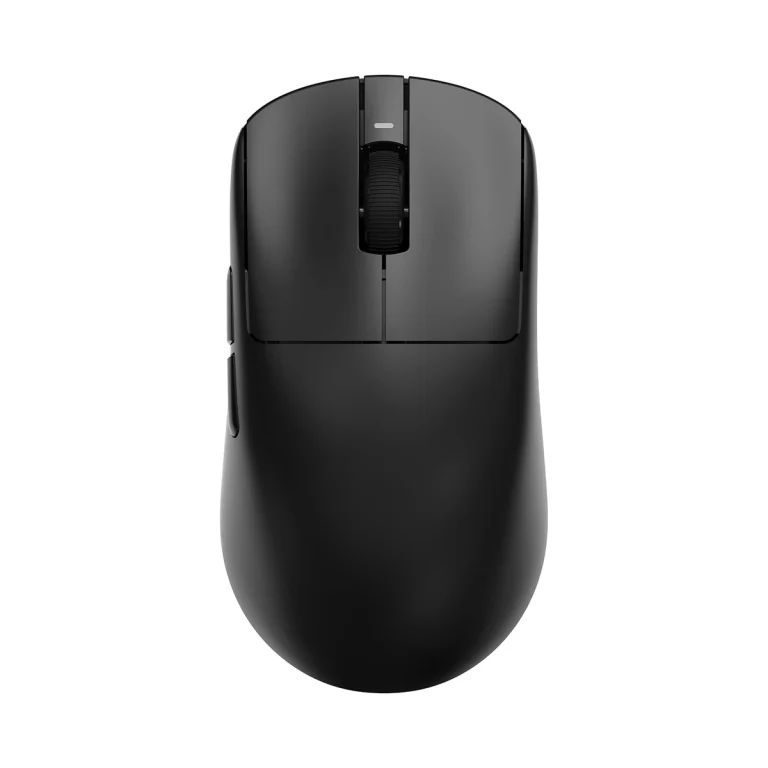
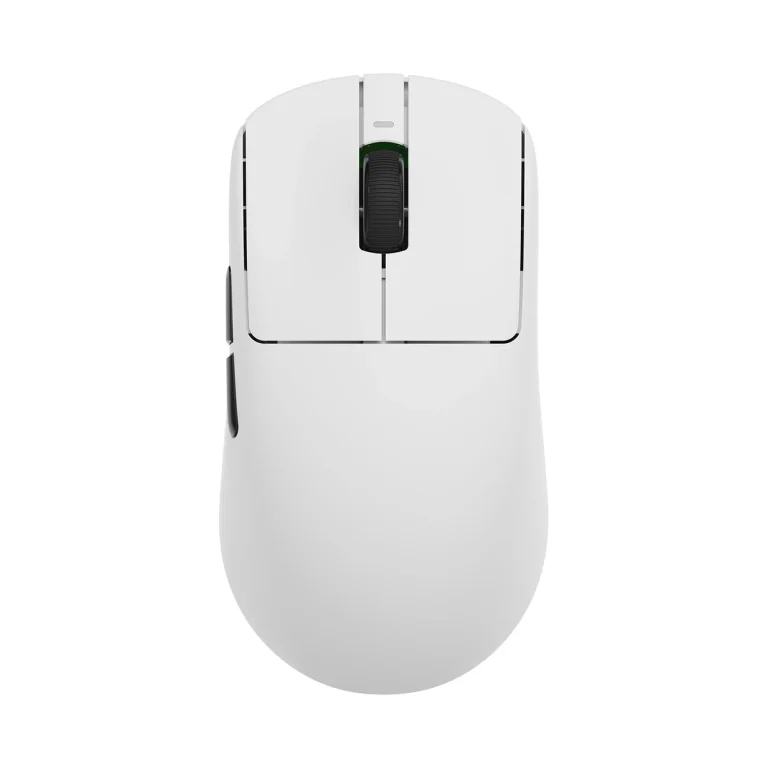
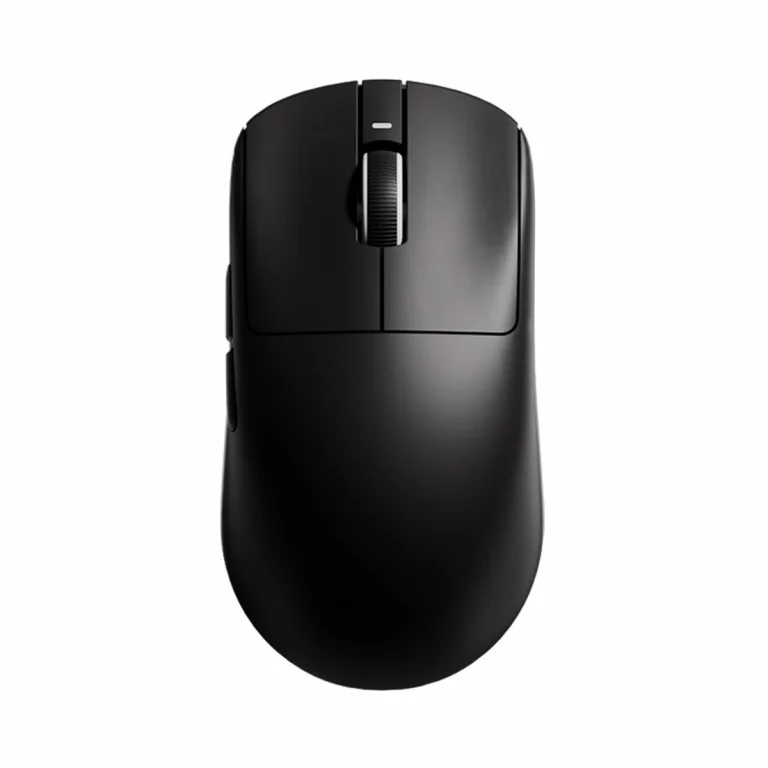
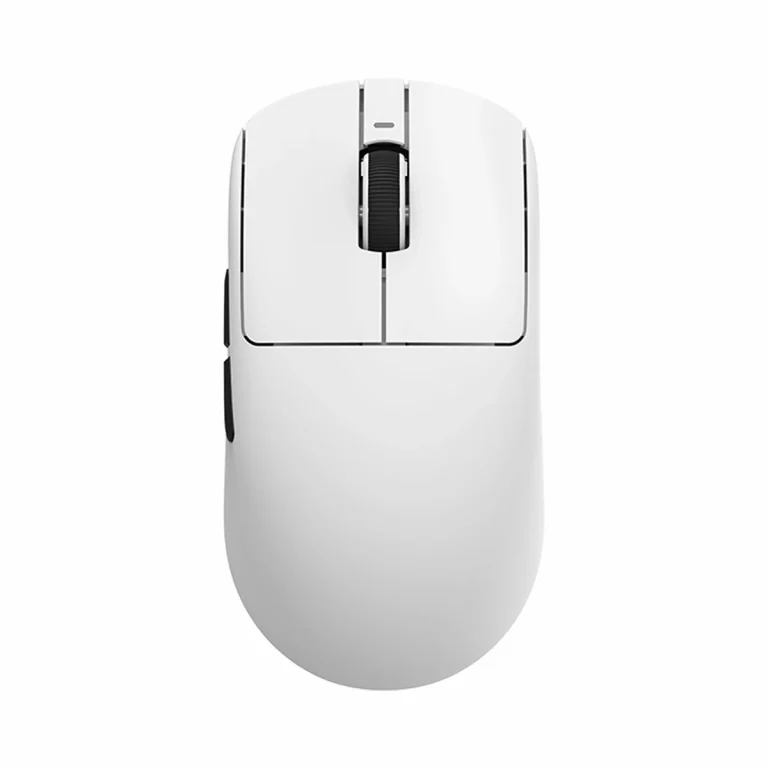
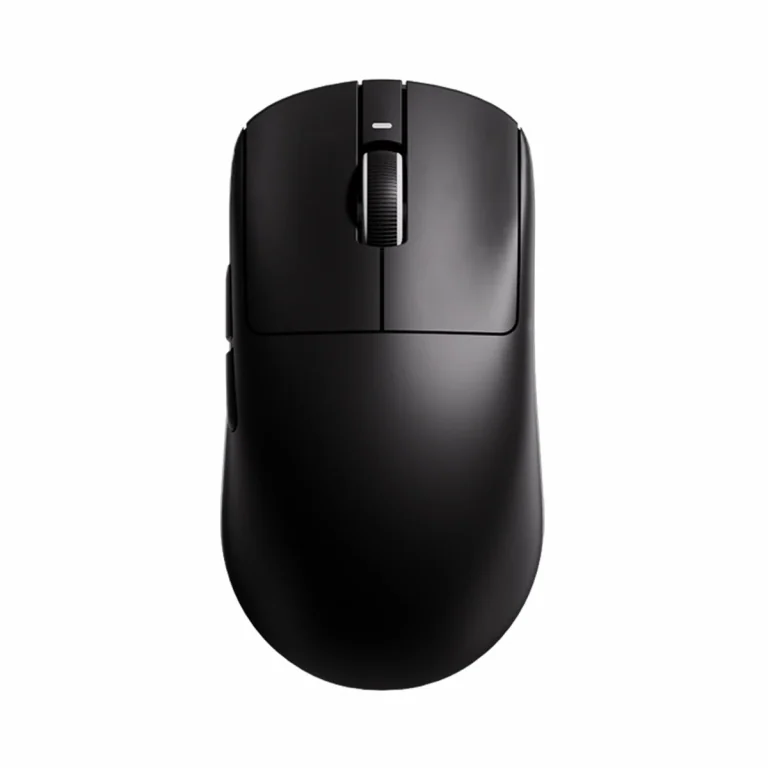
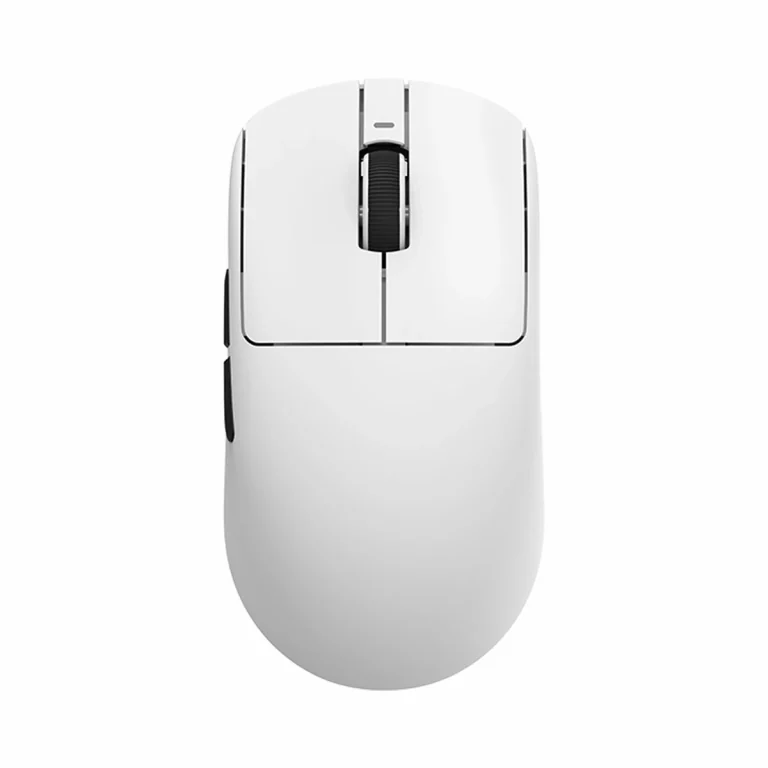
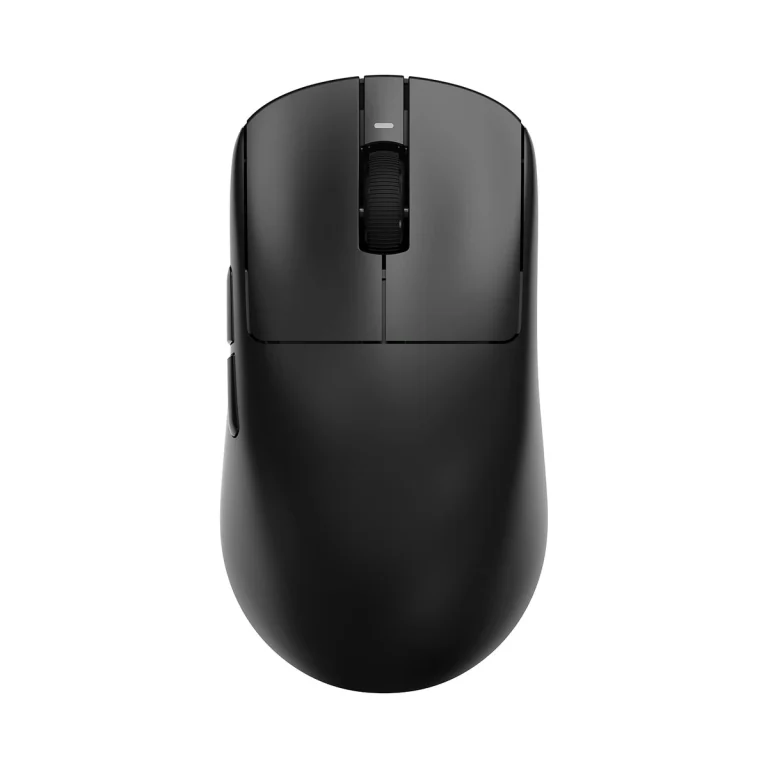
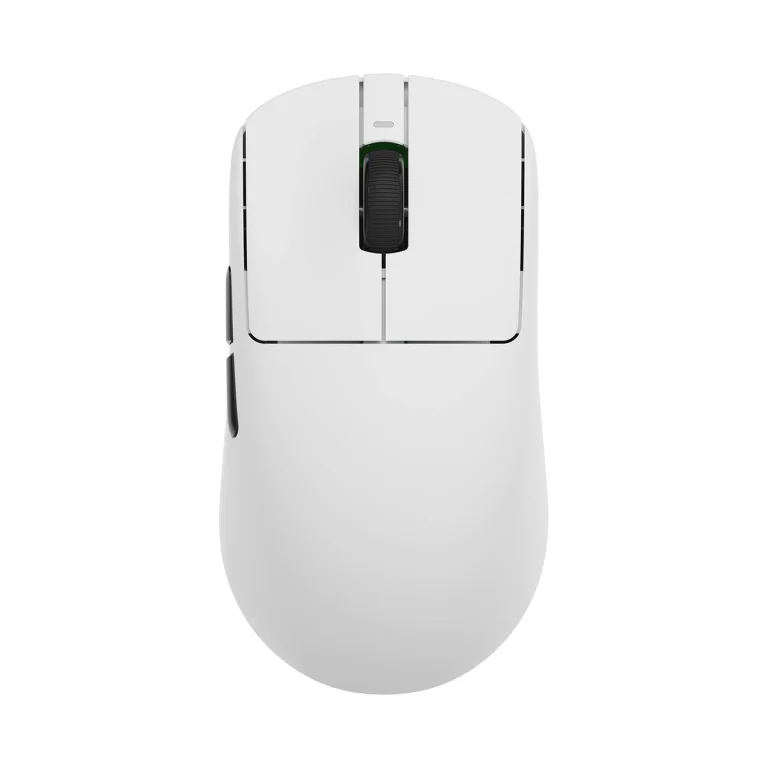
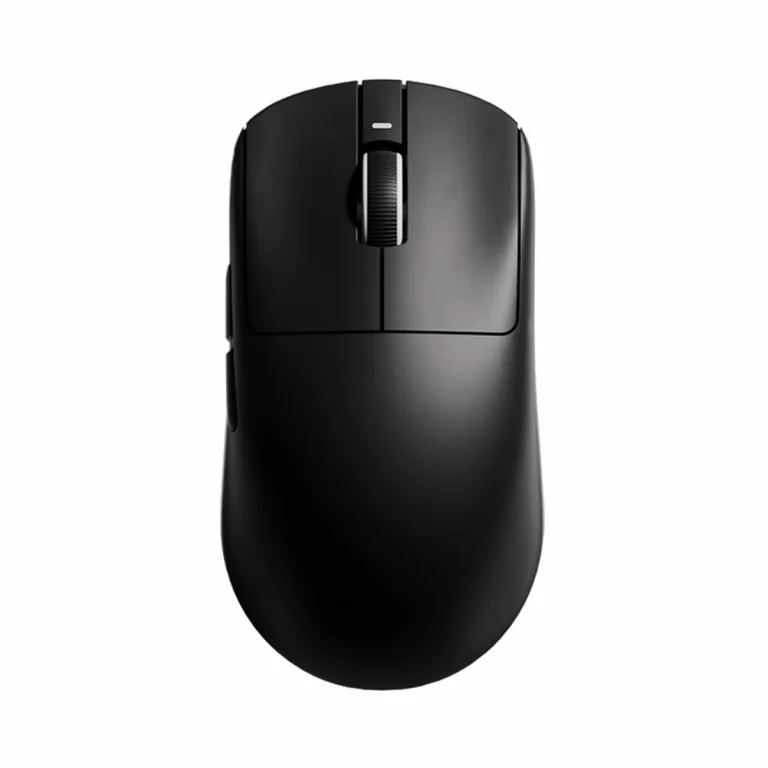
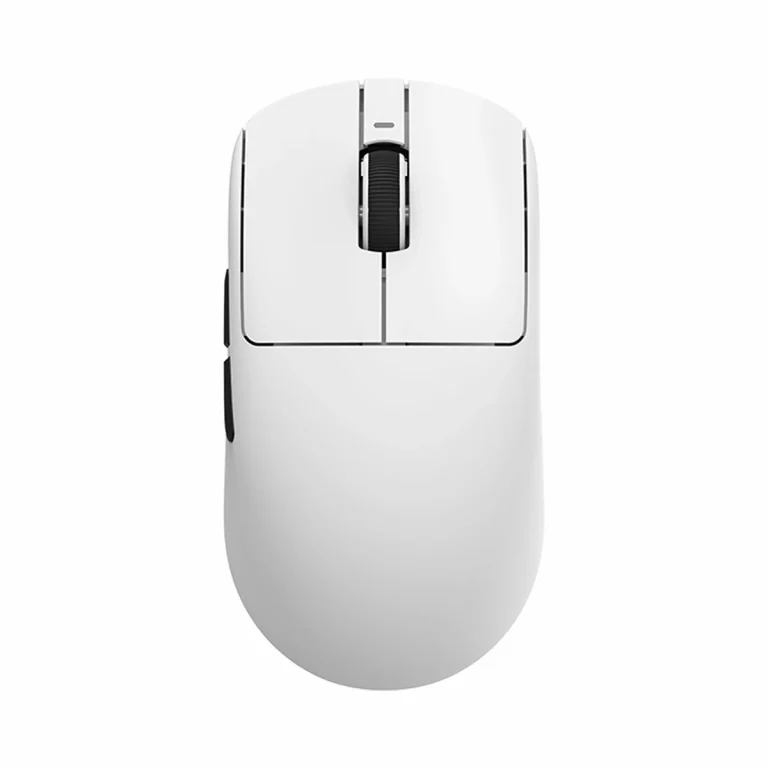
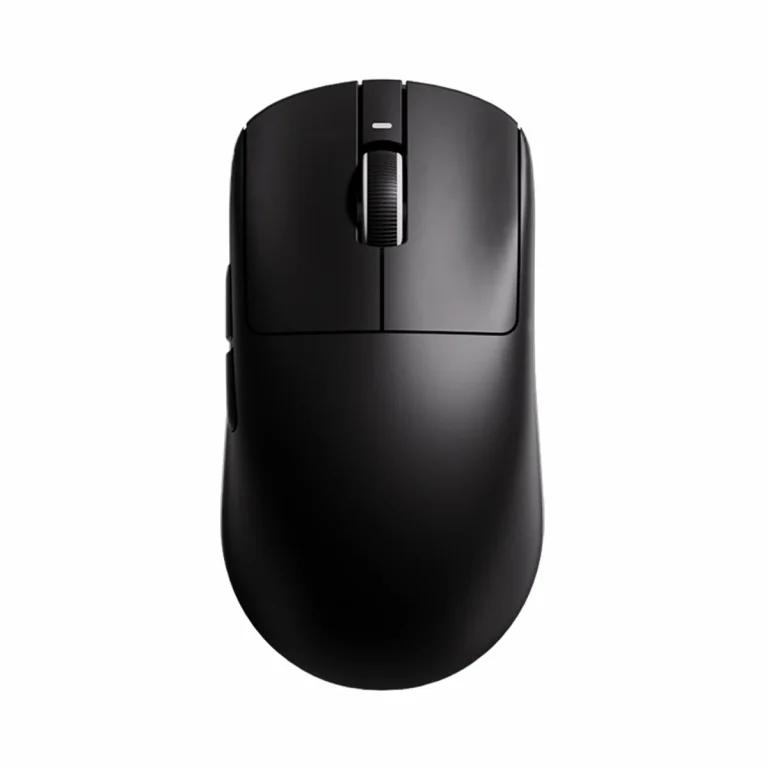
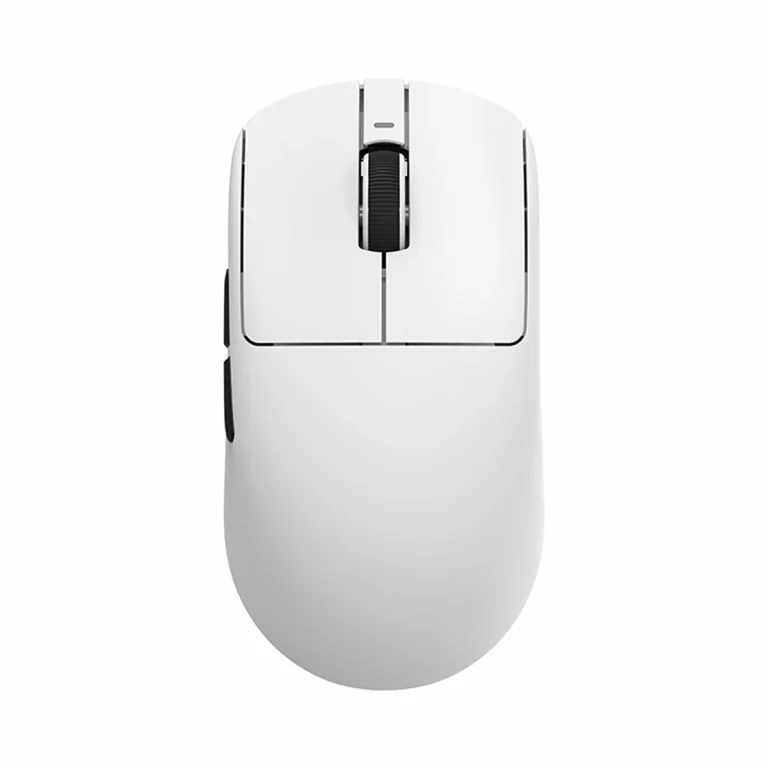
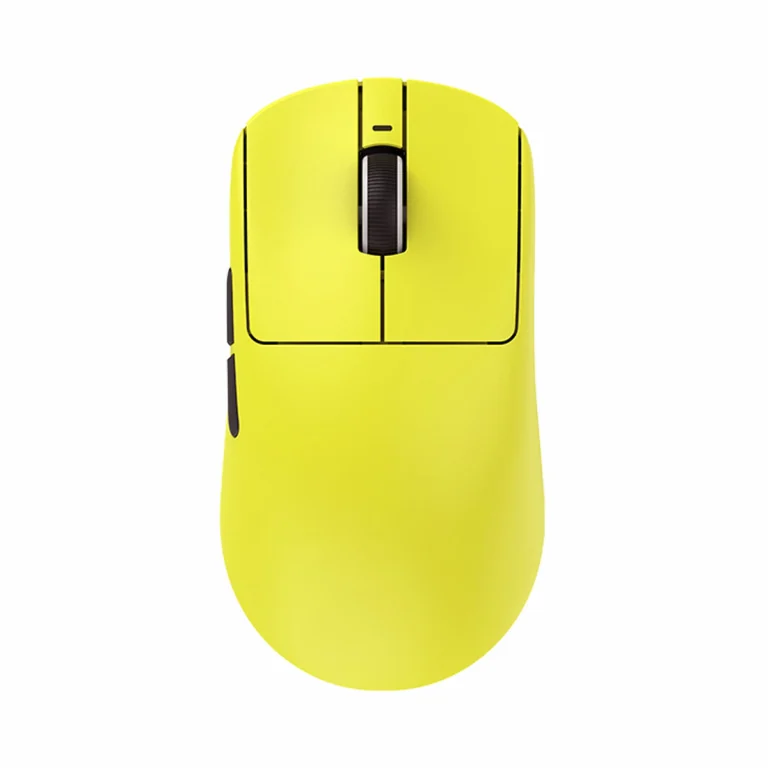
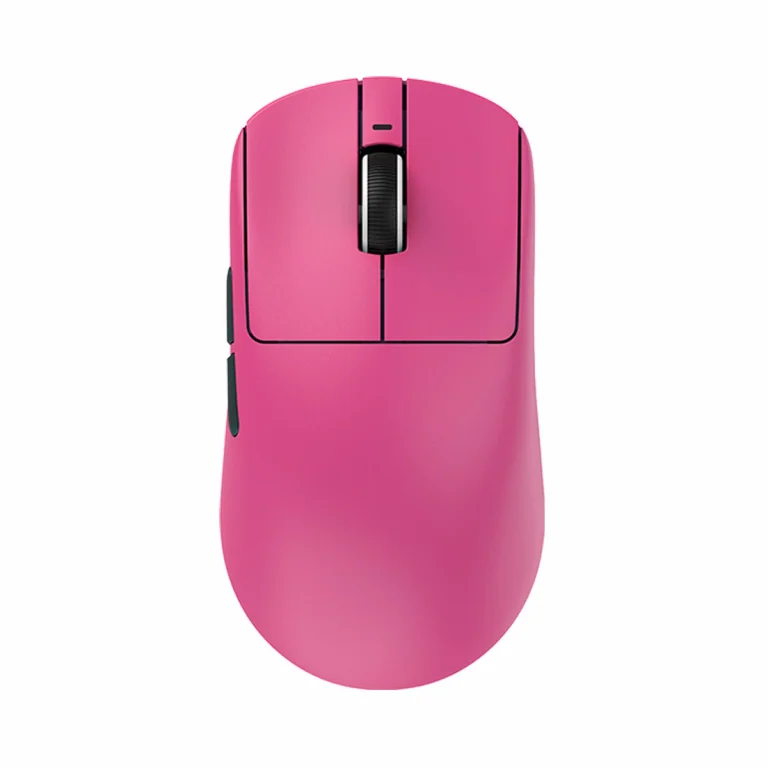
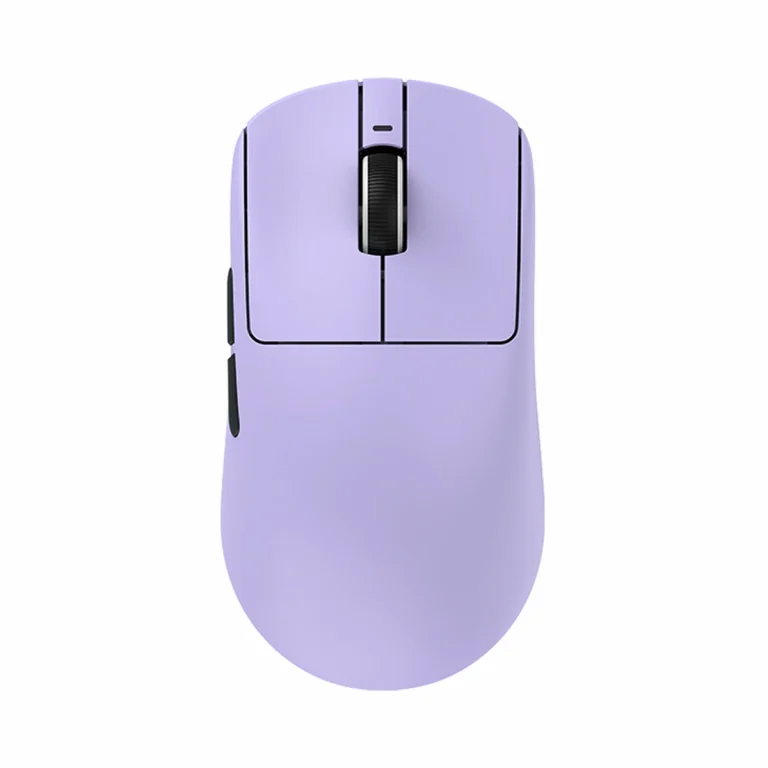
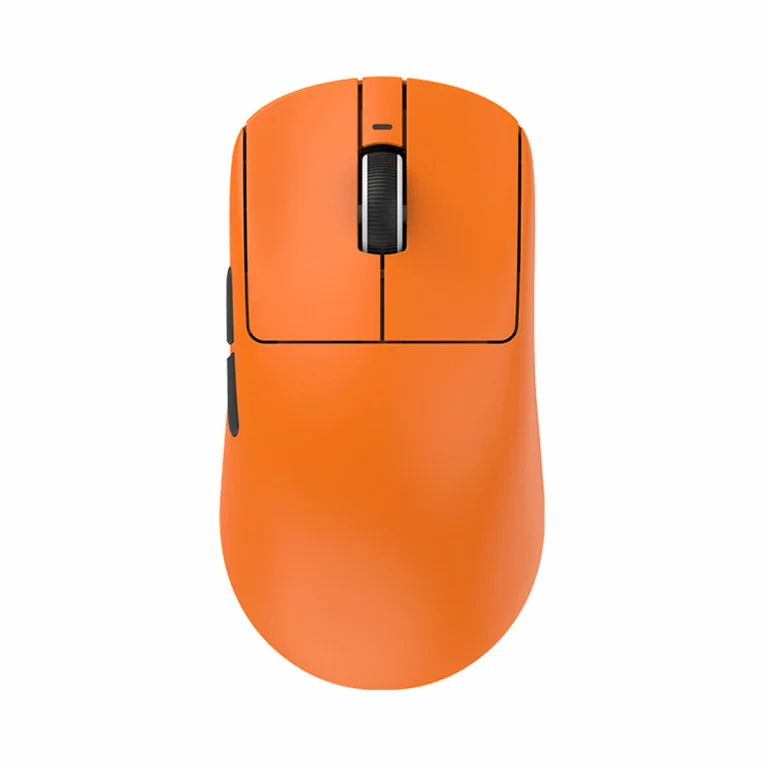
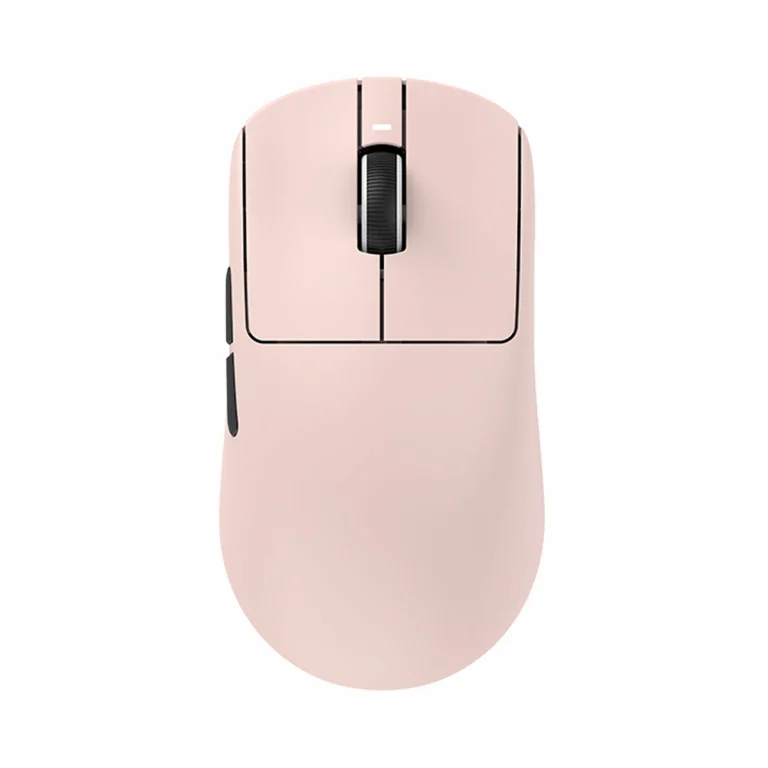
See more options in gaming mice, wireless mice and ultralight mice.
Conclusion
The right pick depends on your use case. R1 N suits long battery life and Bluetooth, R1 delivers PAW3395 in a light 1000 Hz shell, R1 Pro targets minimum weight and 4K, while Pro Max offers the same performance platform with twice the battery capacity.
R1 S and R1 SE+ remain sensible when their current price fits the intended use. Before paying, verify the suffix, connection modes and included receiver because these are the details most often blurred by combined product listings.
F.A.Q. (Frequently Asked Questions)
How many current ATK VXE Dragonfly R1 versions are there?
Six: R1 S, R1 N, R1 SE+, R1, R1 Pro and R1 Pro Max. The current manufacturer selector does not list a separate R1 SE without the plus.
What does ATK VXE Dragonfly R1 N (NearLink) mean?
R1 N and R1 NearLink are official names for the same configuration, with PAW3395 SE, Bluetooth and a 500 mAh battery.
How does the ATK VXE Dragonfly R1 Pro differ from R1 Pro Max?
Pro weighs 48 g and has a 250 mAh battery. Pro Max weighs 54 g, has a 500 mAh battery and uses Kailh White Blade switches. Their sensor and maximum polling rate are the same.
Does the ATK VXE Dragonfly R1 include a 4K receiver?
No. The included receiver on every version runs at 1000 Hz. R1 Pro and R1 Pro Max need a separate compatible receiver, sold separately, for 2000 or 4000 Hz operation.
What sensor does each ATK VXE Dragonfly R1 version use?
The entry-level R1 S uses the Xhero AI sensor. R1 N and R1 SE+ get the more capable PAW3395 SE, while R1, R1 Pro and R1 Pro Max use the higher-end PAW3395 with the highest official tracking speed figures.
What is the weight of each ATK VXE Dragonfly R1 version?
Weight varies noticeably by version. The lightest is R1 Pro at just 48 g, followed by R1 Pro Max at 54 g. Among the standard 1000 Hz models: the plain R1 weighs 51 g, R1 N is 53 ± 3 g, and both R1 S and R1 SE+ weigh around 55 g.
What is the maximum polling rate of each ATK VXE Dragonfly R1 version?
R1 S, R1 N, R1 SE+ and the standard R1 run at a standard 1000 Hz. R1 Pro and R1 Pro Max support up to 4000 Hz, but only with a separate compatible receiver — their included receiver is also limited to 1000 Hz.
Which ATK VXE Dragonfly R1 versions support Bluetooth?
Bluetooth is supported by R1 S, R1 N, R1 SE+ and the standard R1. R1 Pro and R1 Pro Max drop it in favour of up to 4000 Hz wireless performance instead of connecting to other devices.