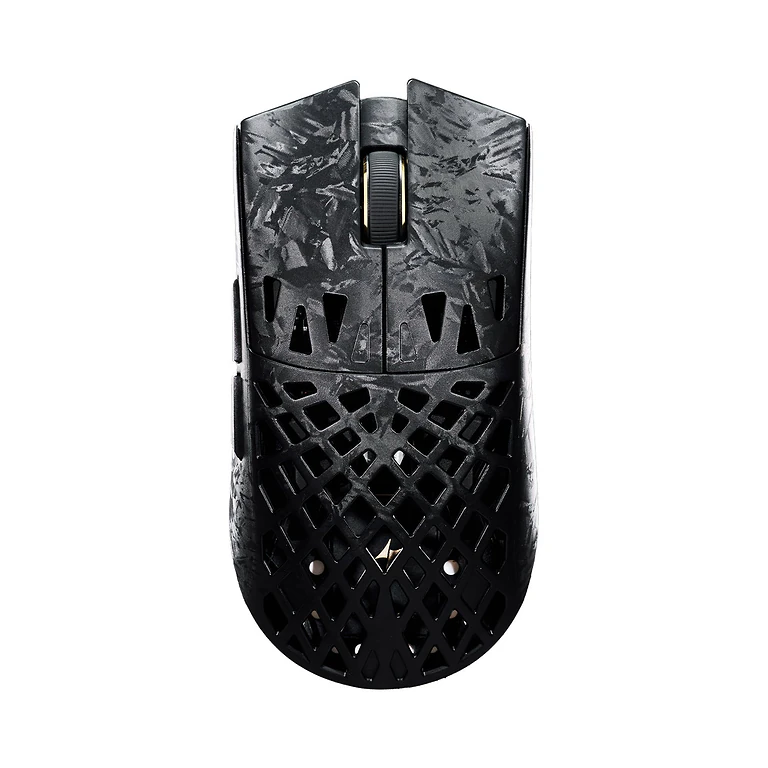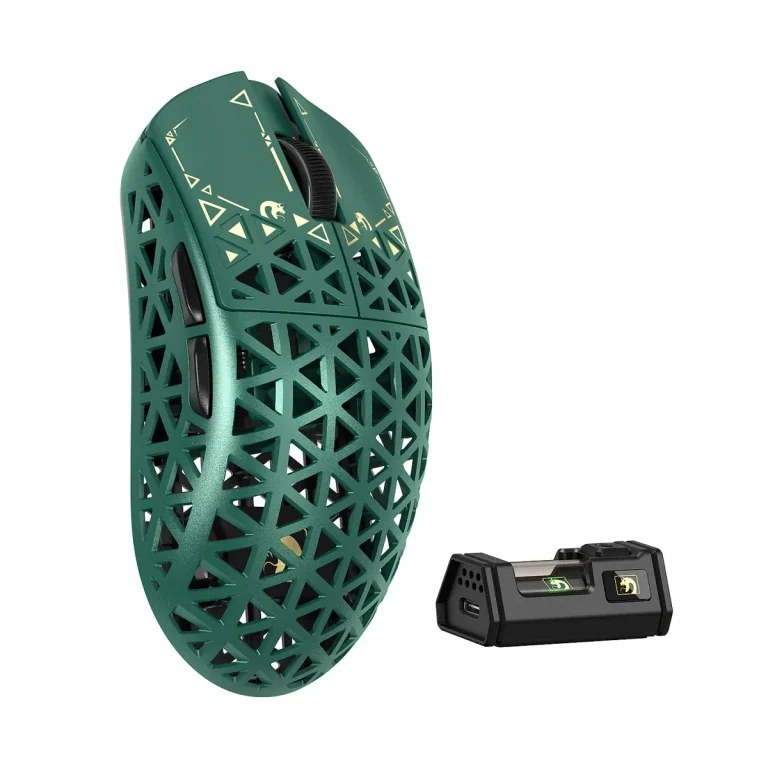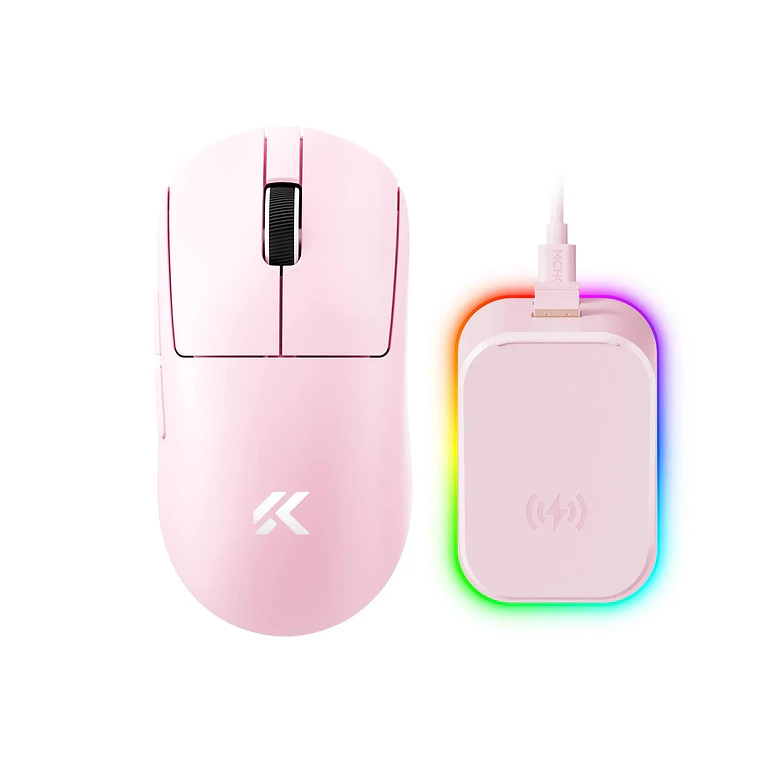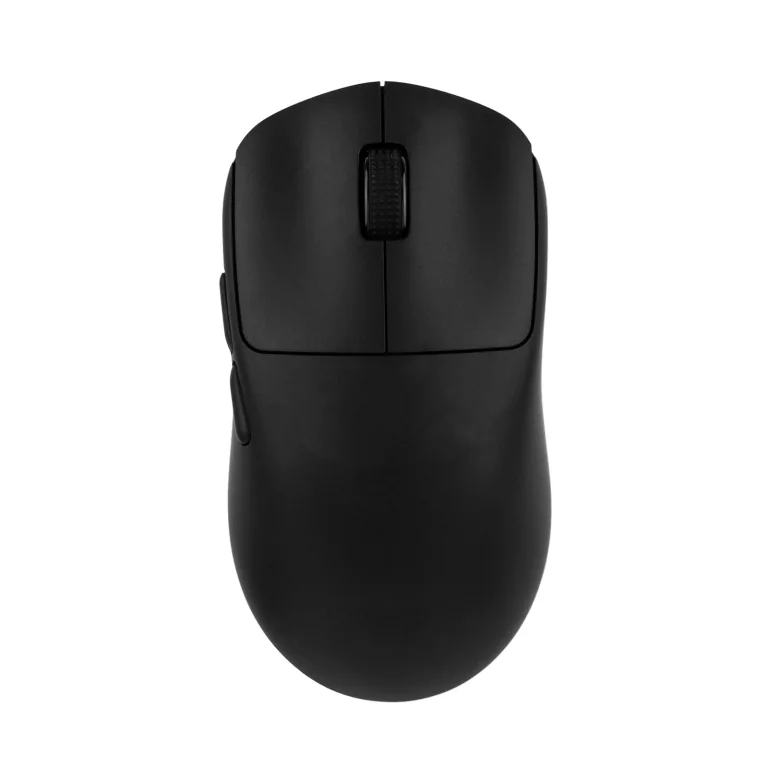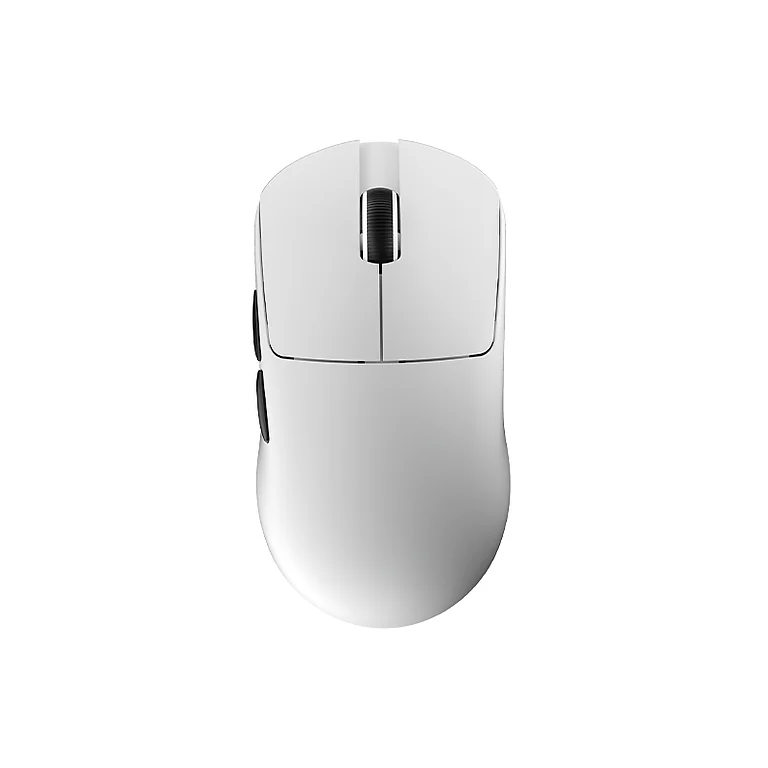

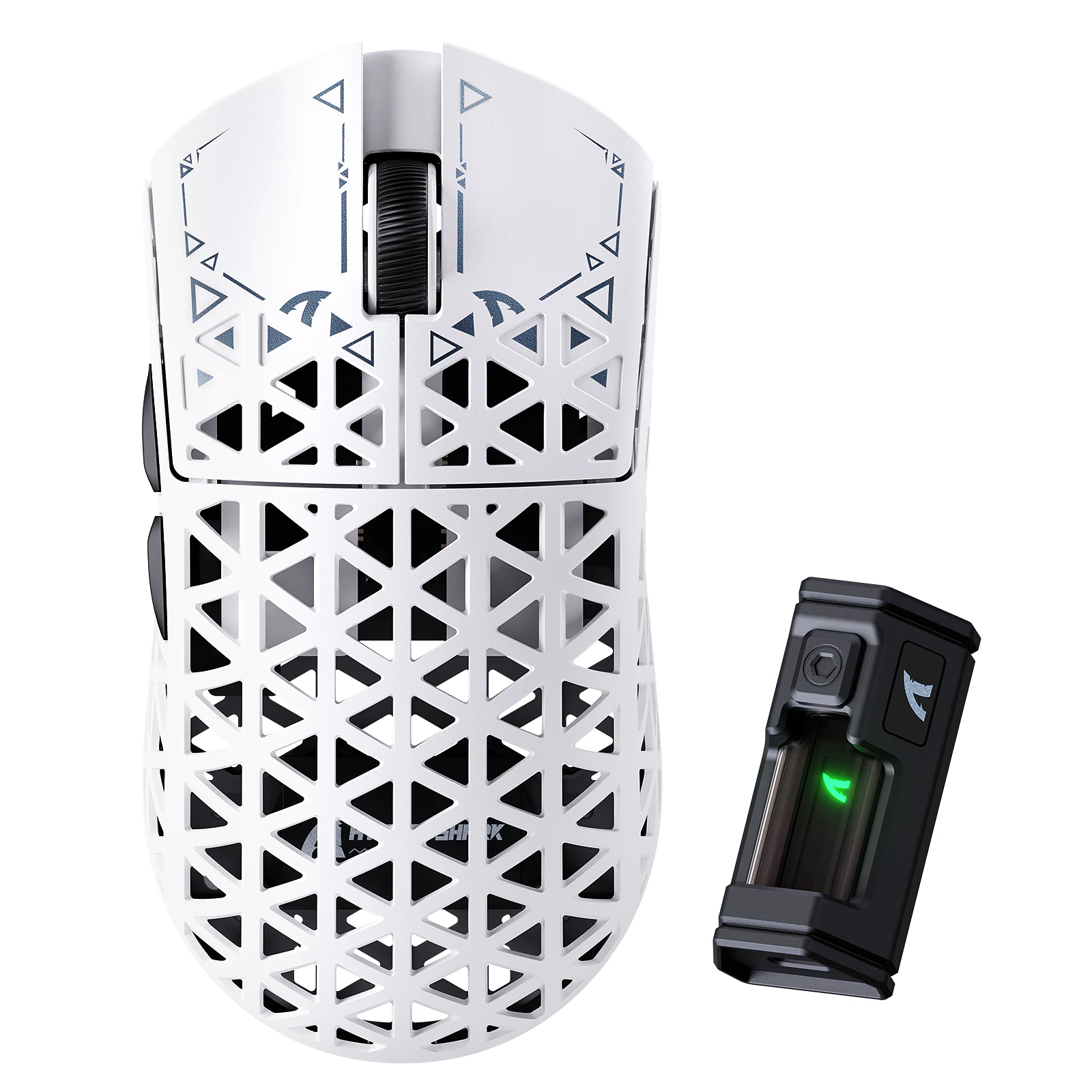
Attack Shark R5 Ultra White carbon fibre gaming mouse - photo 1
New
1 / 2

Attack Shark R5 Ultra White carbon fibre wireless gaming mouse 8K

0.0

SKU: 1084

3 182 ₴
On order
Color selectionWhite

Warranty

12 months

Delivery

1-2 days

Returns

14 days

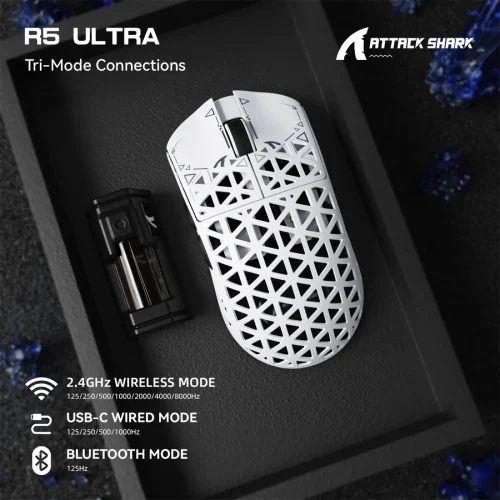
Attack Shark R5 Ultra White carbon fibre wireless gaming mouse 8K is best understood as a Wireless gaming mouse for fast games and everyday PC work, where About 39 g body, PixArt PAW3950MAX sensor, Up to 8000 Hz wireless and 2.4G wireless, Bluetooth, USB-C wired matter. White makes the desk feel lighter and pairs naturally with white keyboards, headsets and minimalist workspaces. It is not trying to be a decorative toy: its job is accurate movement and hand comfort.
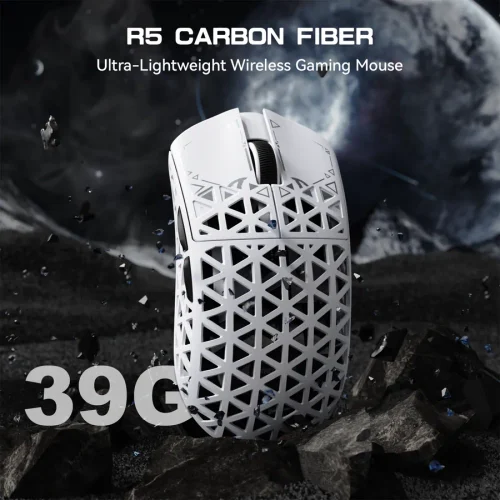
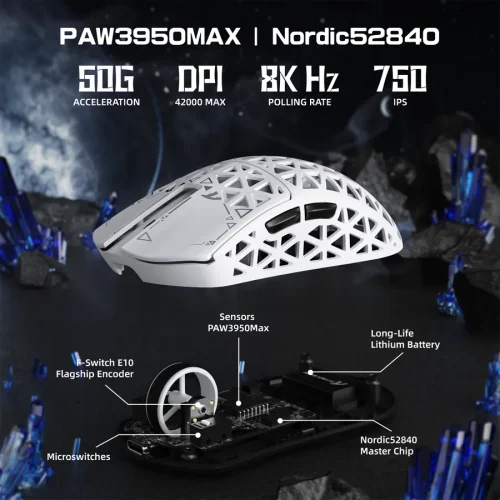
R5 Ultra: wireless gaming mouse for controlled aim

The main advantage of this version is About 39 g and Carbon fibre composite, hollow shell. It suits low and medium sensitivity players because it is easier to start fast swipes, stop after a flick and return to center without overworking the wrist.

R5 Ultra with PixArt PAW3950MAX and stable polling

The listed hardware includes PixArt PAW3950MAX, Up to 42, 000 DPI and Up to 8000 Hz wireless. For FPS, that matters less as a number on paper and more as predictable micro-correction, clean tracking and stability during fast turns.

R5 Ultra shape, coating and feet in daily use

The shell finish should stay controlled in hand, while PTFE feet help the mouse avoid scratchy movement. That matters both in games and during regular PC work.

R5 Ultra connection without needless confusion

Connection and power details are listed as 2.4G wireless, Bluetooth, USB-C wired. For a main desktop setup, 2.4G or cable is the most stable route; Bluetooth is useful for a second device, laptop or quick switching.

Attack Shark R5 Ultra White carbon fibre wireless gaming mouse 8K: White in the setup

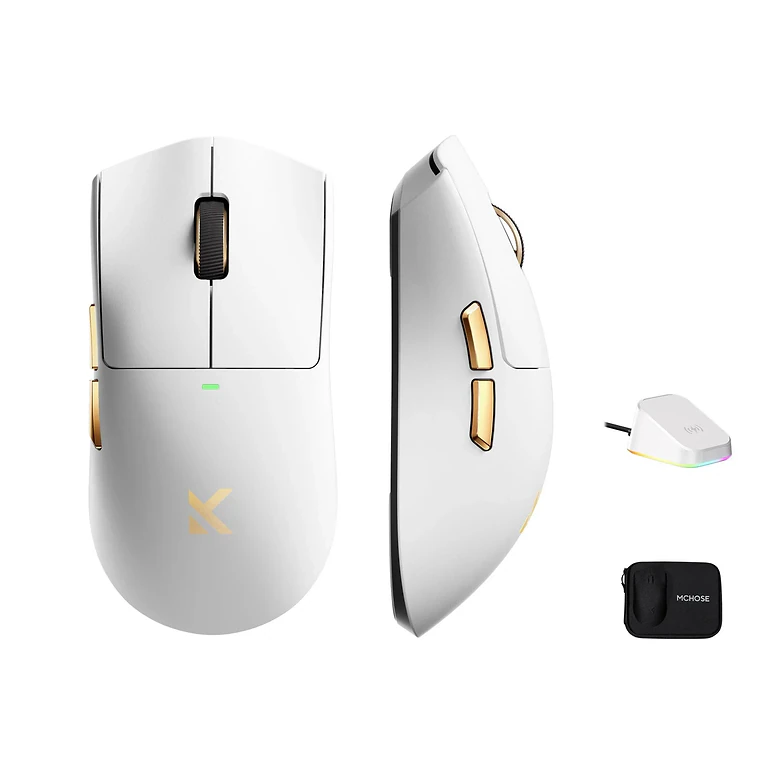
White makes the desk feel lighter and pairs naturally with white keyboards, headsets and minimalist workspaces. The copy avoids cross-version clutter and describes this exact configuration, its package and its real use case.

R5 Ultra software tuning

Attack Shark cloud/web driver lets you adjust DPI, polling rate, buttons and other behavior around your hand. That is more useful than leaving the mouse at factory values and forcing yourself to adapt.

How to evaluate R5 Ultra before buying

Check three things first: the shape for your grip, the weight for your sensitivity and the sensor package for the games you actually play. For FPS, stable 2.4G connection, smooth glide on your pad and quick DPI tuning matter more than a long list of unused features.

Attack Shark R5 Ultra White carbon fibre wireless gaming mouse 8K in a real PC setup

This mouse works best with a good mousepad, correct desk height and tuned in-game sensitivity. After purchase, check polling rate, LOD, side button mapping and save a profile so the device behaves consistently across different games and daily tasks.

R5 Ultra: practical details before ordering

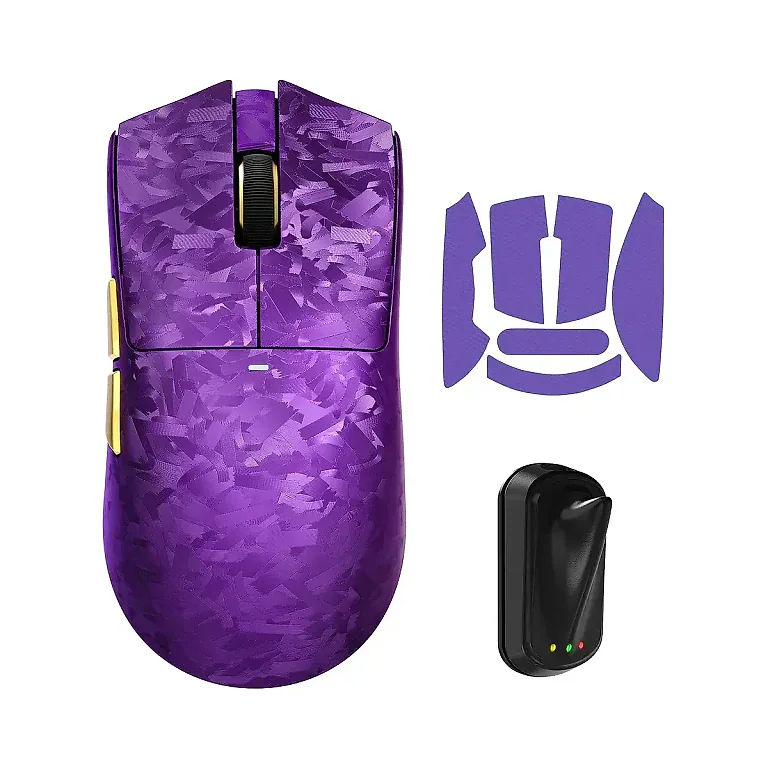
It is also worth checking Mouse, 8K receiver/dongle, USB-C cable, documentation and Attack Shark cloud/web driver. Attack Shark R5 Ultra White carbon fibre wireless gaming mouse 8K should be judged as a full setup piece rather than by one spec alone: how it looks, how it connects, how easily it fits your desk and whether it avoids annoying compromises after purchase. That is how you choose something for daily use, not just something that looks good on arrival.
Similar products